Access by Groups and Classes
Assign sessions instantly to an entire class. Control group schedules and ensure only authorized students use the lab.
Aula Control 5.0 helps schools and academies organize student logons, manage access by groups and classes, and secure lab workstations. Let our cloud handle the technical side while teachers focus on education.
Educational centers and training academies need reliable ways to assign PCs to students without chaos or distractions.
Assign sessions instantly to an entire class. Control group schedules and ensure only authorized students use the lab.
Forget about maintaining complex local servers in the school. Everything runs securely from our cloud dashboard.
Prevent students from changing Windows settings. Only allow specific educational apps and permitted websites during class.
Automatically close programs and delete downloaded assignments when the class ends to prepare the PC for the next group.
Aula Control 5.0 simplifies computer administration so teachers avoid technical delays.
From organizing the syllabus to ending the lesson seamlessly.
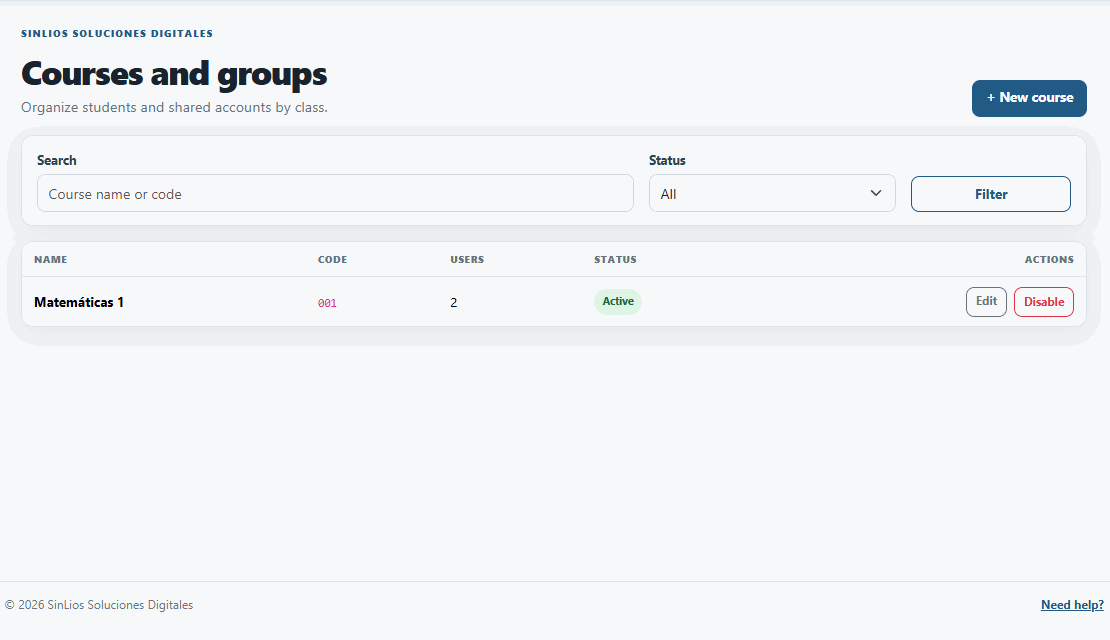
Establish course schedules, group permissions, and allowed software profiles through the web panel.
Students enter their class code, or the teacher remotely unlocks the entire lab for the current group in one click.
The system enforces time limits. Once the class is over, workstations are cleared for the next batch of students.
Explore BiblioControl, our specialized solution for libraries with daily quota management and patron card activation.
Version 5.0 shifts to a robust cloud model combined with a highly secure Windows app for student PCs. We host the server, handle backups, and apply updates automatically.
Perfect for primary schools, high schools, universities, language academies, and professional training centers.
The tools required to manage educational computer labs effectively.
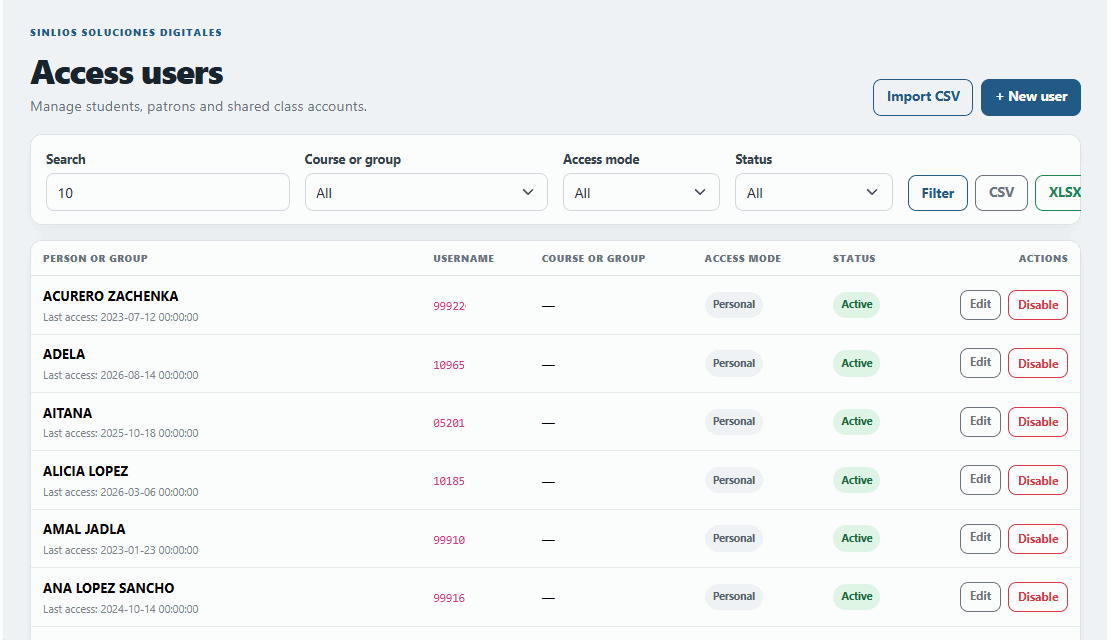
Allow students to log in individually or grant access to a whole group simultaneously from the teacher's dashboard.
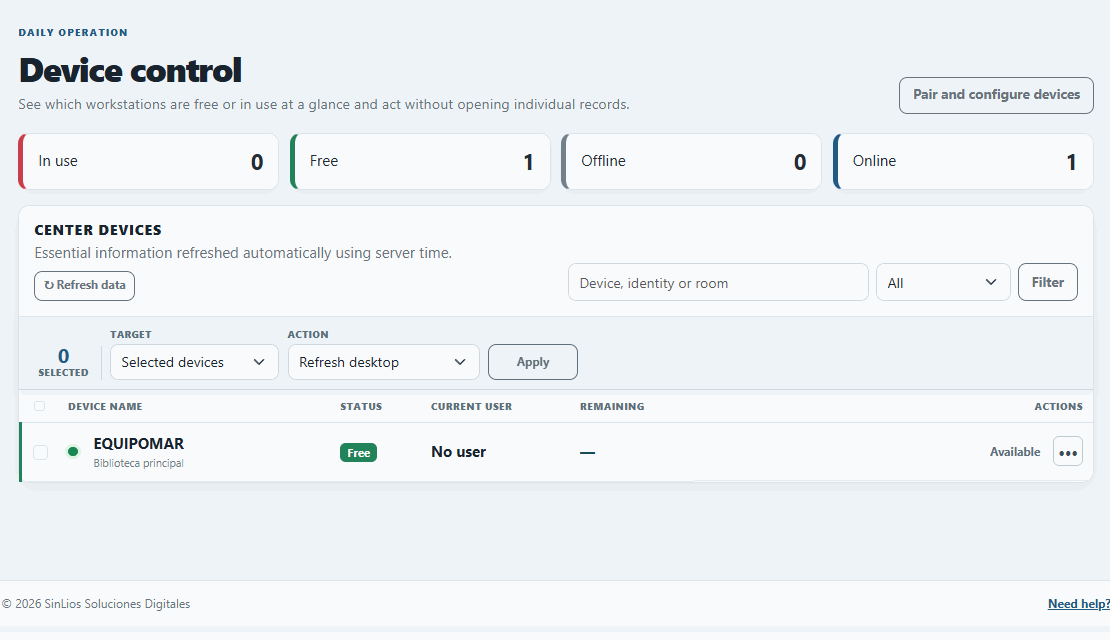
Observe which PCs are in use, restart frozen machines remotely, or lock screens to get students' attention.
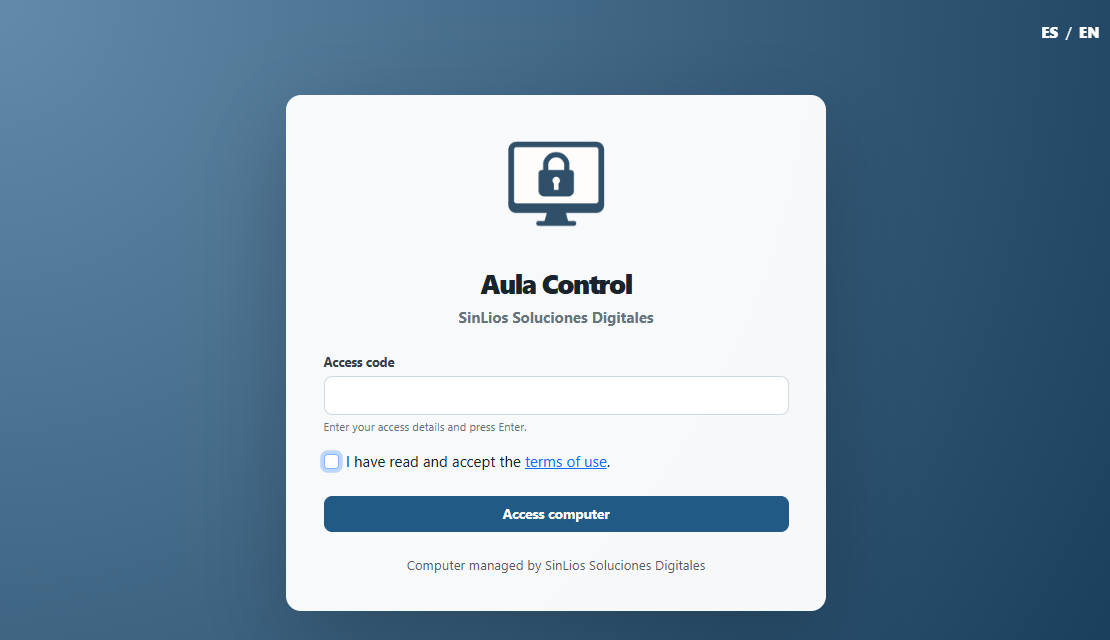
A clutter-free start screen where students input their assigned codes or group passwords without confusion.
Set precise time boundaries corresponding to the length of the lesson to prevent overlap into the next class.
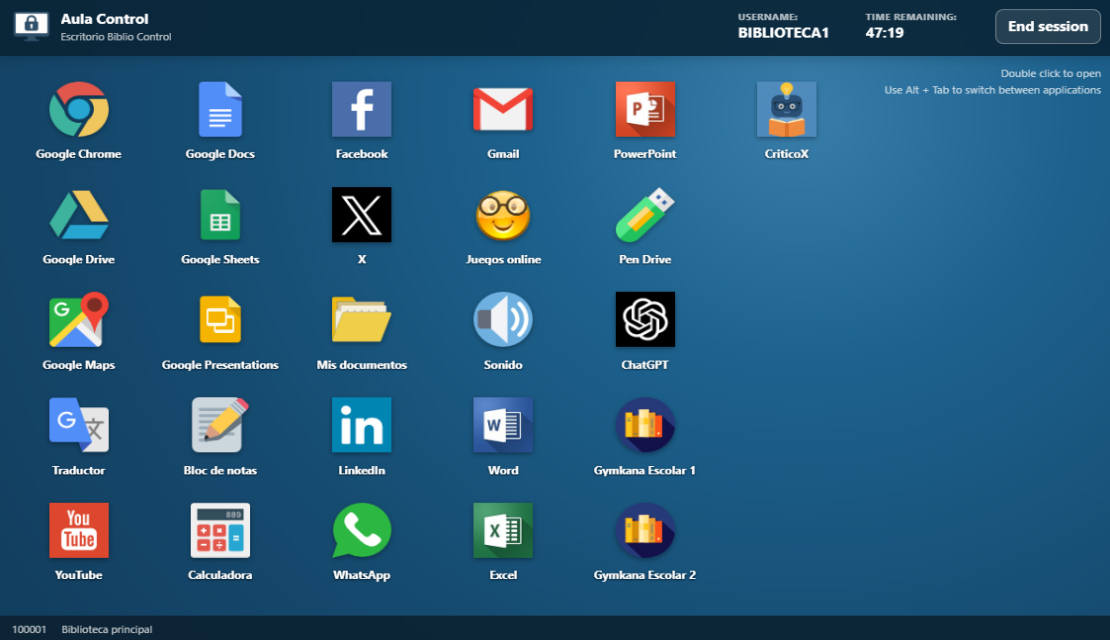
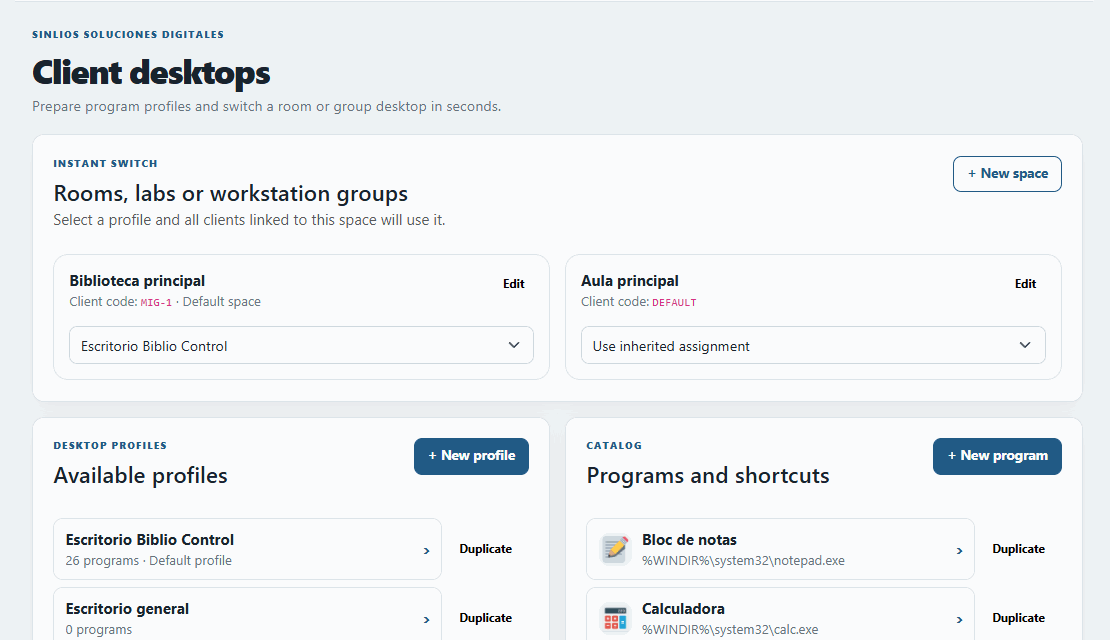
Provide a restricted desktop showing only the specific software and websites required for the subject.
Automatically wipe temporary files and close all student applications when the class period ends.
If a student accidentally unplugs a computer, the server frees the session after a short timeout so others can log in.
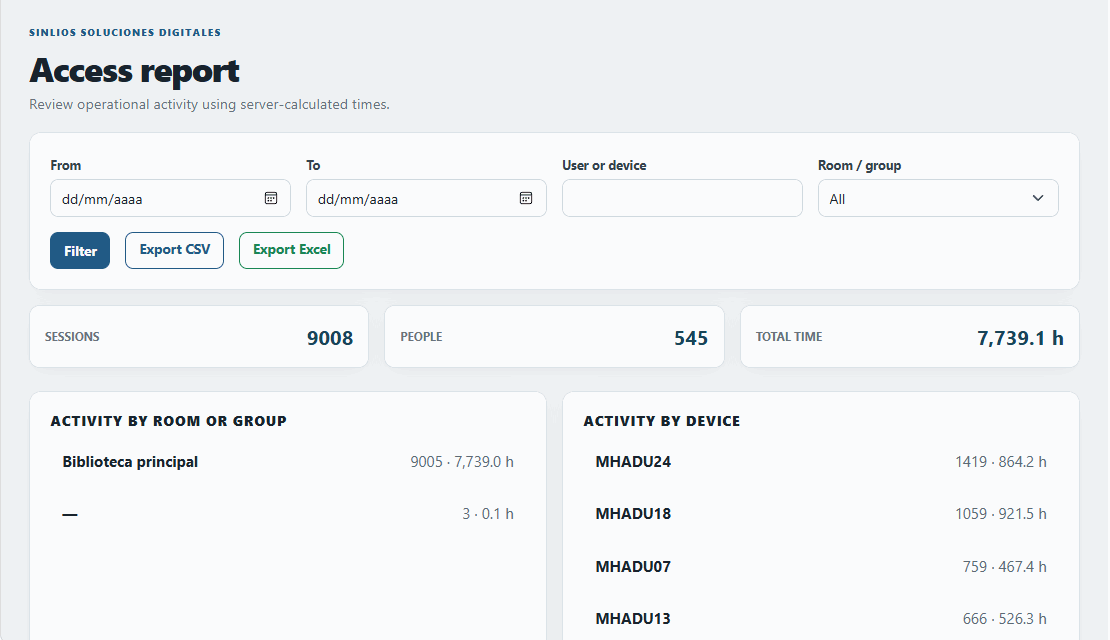
Generate detailed reports on lab usage by course or group to optimize your academy's IT investments.
Numerous schools, academies, and universities depend on Aula Control to maintain order in their computer classrooms.
Language Academies & Training CentersManaging diverse student cohorts
Primary and Secondary SchoolsControlling lab behavior securely
University Computing LabsOrganizing faculty and student access
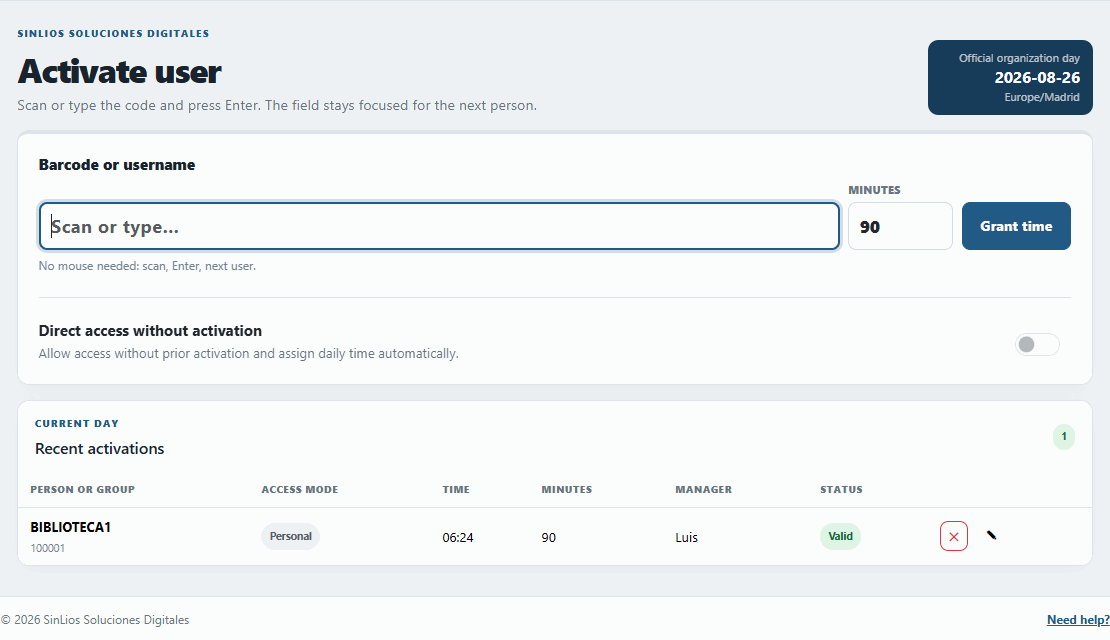
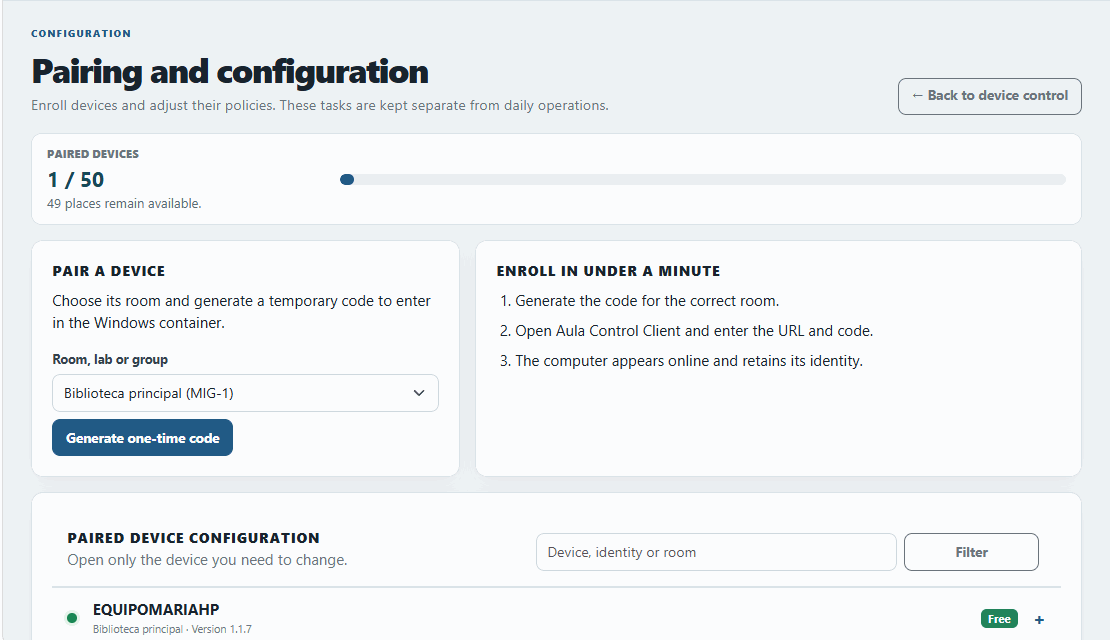
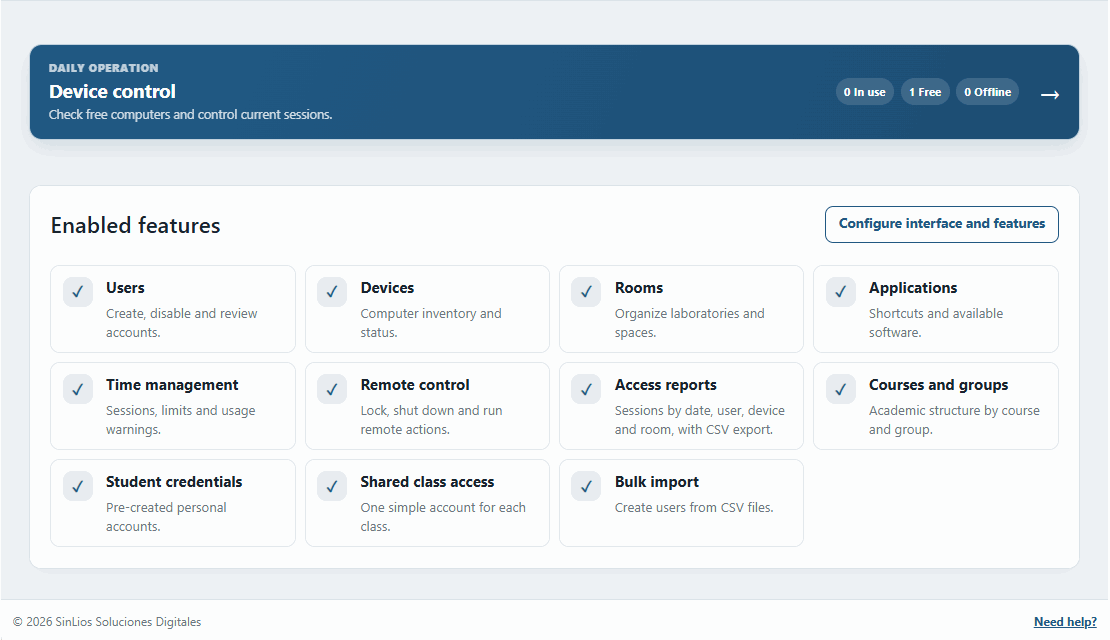
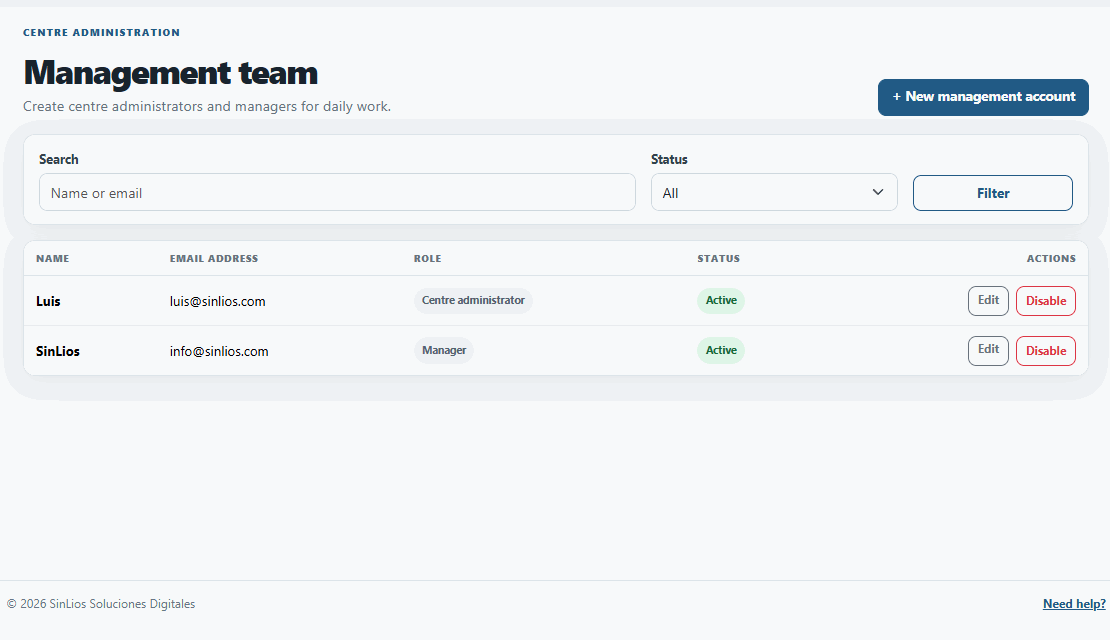
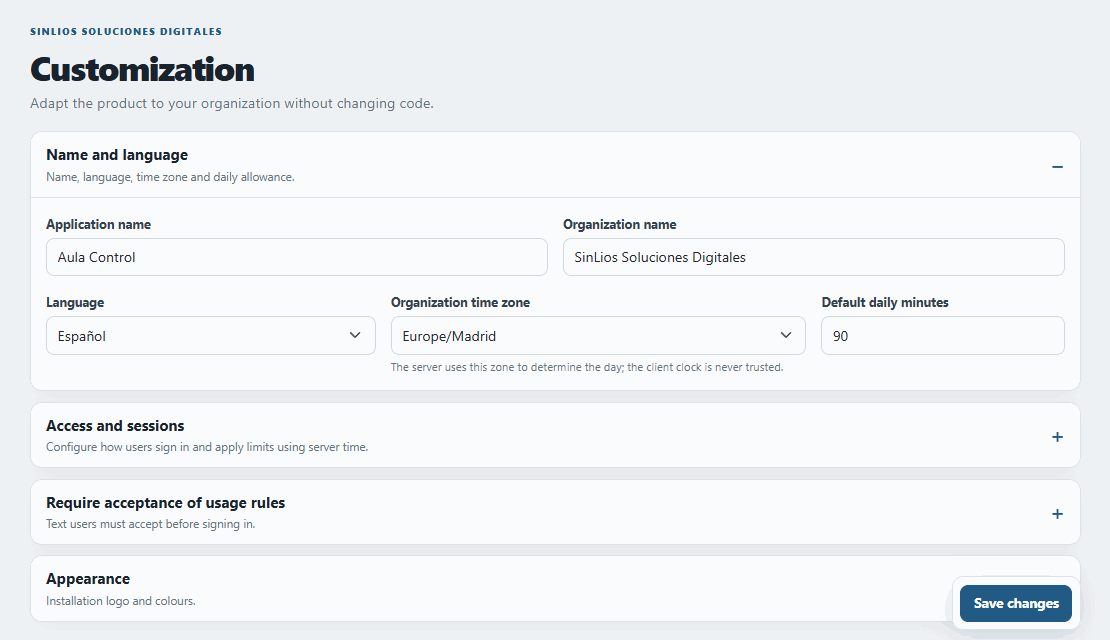
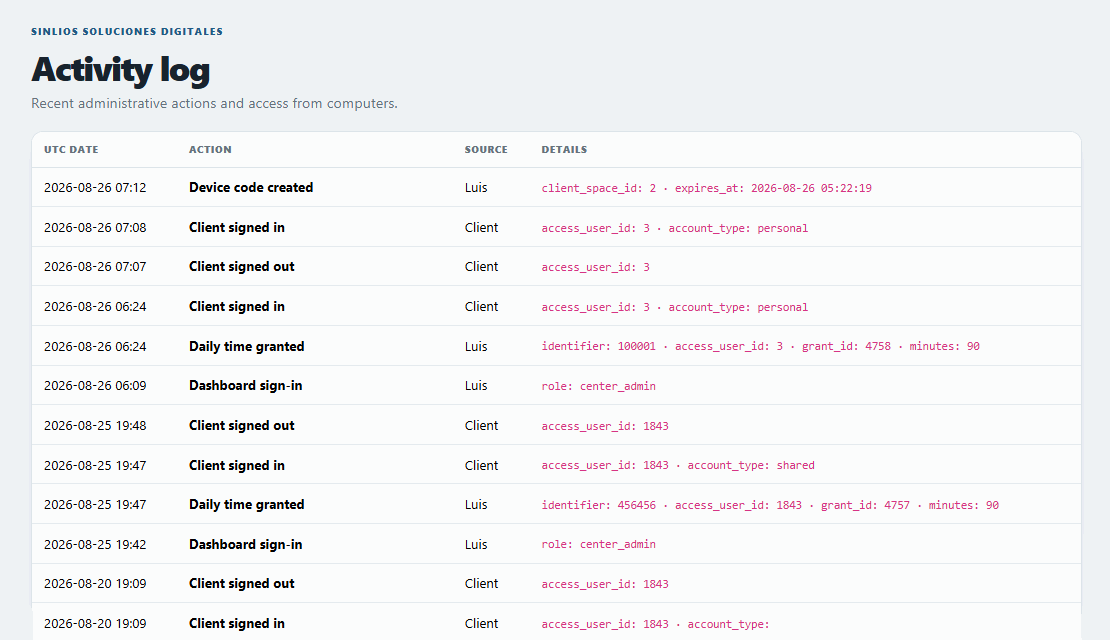
Explore the interface: lab monitoring, group activation, access rules, student profiles, and restricted desktop environments.
Every plan incorporates cloud hosting, automated database backups, client applications, continuous maintenance, and technical assistance. No hidden deployment fees.

€360/year
+€39/PC/year
From 6th to 20th computer
+€29/PC/year
From 21st computer onwards
€360/year up to 5 PCs + €39/year per PC from 6th to 20th + €29/year per PC from 21st onwards
Aula Control calculates pricing incrementally. This approach ensures you only pay proportionately for the terminals you add, without falling into sudden high-cost tiers.
References: 5 PCs = €360/yr · 10 PCs = €555/yr · 20 PCs = €945/yr · 30 PCs = €1,235/yr · 50 PCs = €1,815/yr
Instant evaluation environment. Connect to our live testing dashboard to experiment with group creation, PC monitoring, and policy adjustment.
The environment resets daily. Allows connection of up to 2 simultaneous Windows client applications.
We'll provide a concise online presentation and help you configure the software for your academy's unique class schedule.
Straightforward answers for school administrators, teachers, and IT directors.
Ask something else?It is designed for schools, high schools, universities, language academies, and any educational center that needs group-based computer access and classroom management. If you manage a library, you should check out BiblioControl.
Yes! For municipal libraries and public cultural centers, we offer BiblioControl, specifically adapted for patron access and daily quota limits.
Not at all. Aula Control 5.0 is hosted on a secure, high-performance cloud infrastructure managed by SinLios, freeing teachers and IT staff from server maintenance.
Yes, visit demo.aulacontrol.com/admin and log in with username demo@aulacontrol.com and password aulacontrol123. It resets daily and supports up to 2 active Windows clients for testing.
A lightweight Windows application for Windows 10 & 11 that secures the OS, provides a customized application launcher, and clears the session once the class is over.
Yes, absolutely. The core strength of Aula Control is allowing entire classes to authenticate and use lab PCs simultaneously, utilizing shared group rules and schedules.
Yes. You can configure exact session durations to match your school periods, ensuring computers are released on time for the next cohort.
Yes. Via the web dashboard, authorized educators can reboot, shut down, extend sessions, or lock screens instantly to regain student focus.
The server continuously monitors client heartbeats. If a connection drops unexpectedly, the session is cleared after 3 minutes so the next group can use it without issues.
When a lesson finishes, the software can close all web browsers and automatically purge user-downloaded files, ensuring a clean slate for the incoming students.
Yes. The system is designed to organize your institution by different rooms, labs, or floors, allowing for specific desktop profiles per area.
Yes. Your annual plan encompasses software updates, security enhancements, and direct assistance to solve any configuration or operational challenges.
Yes. We offer transparent, progressive annual billing that scales predictably alongside the size of your computer lab network.